Introduction
Link includes a set of system reports. These reports are not user-modifiable and will be maintained and updated as part of ongoing product releases.
System reports are read-only and marked as System in the Report grid. It is possible to copy/paste the query and create another report.

All system reports can be scheduled. The default parameter values can be edited and saved, and will be used in the schedule.
When we upgrade existing system reports, the default parameter values will not be overwritten.
System Reports Description
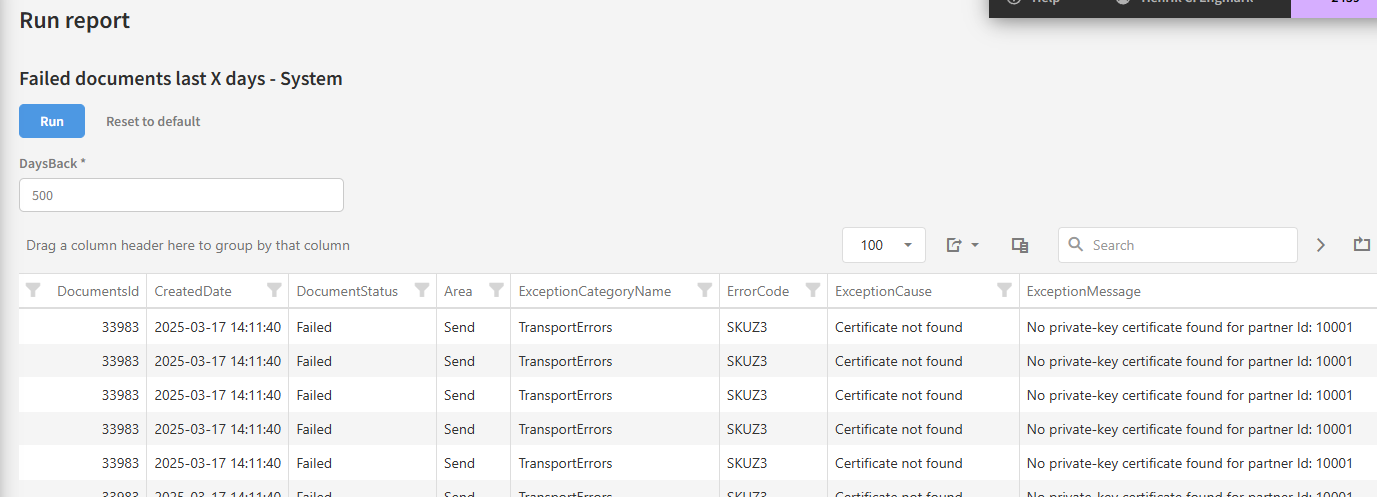
Failed documents last X days - System
Show failed and ignored documents for the last X days with exception information.
Parameters
|
Display Name |
Type |
Default Value |
|---|---|---|
|
DaysBack |
Int |
7 |
Example
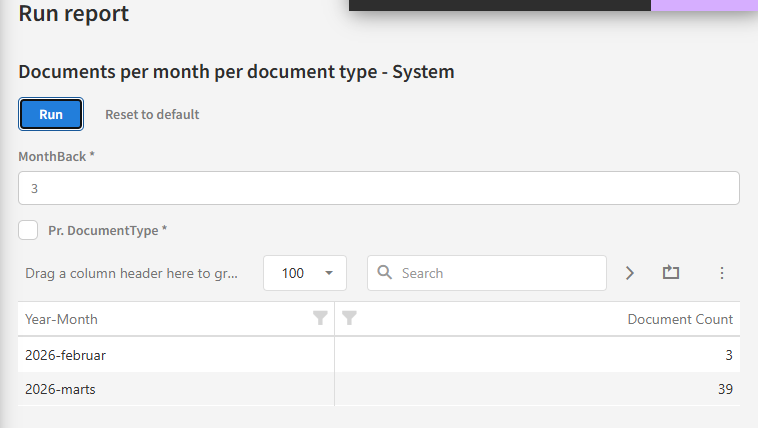
Documents per month per document type - System
Documents per month per document type with an option to see totals per months.
Parameters
|
Display Name |
Type |
Default Value |
|---|---|---|
|
MonthBack |
Int |
3 |
|
PerDocumentType |
Bit |
0 |
Example
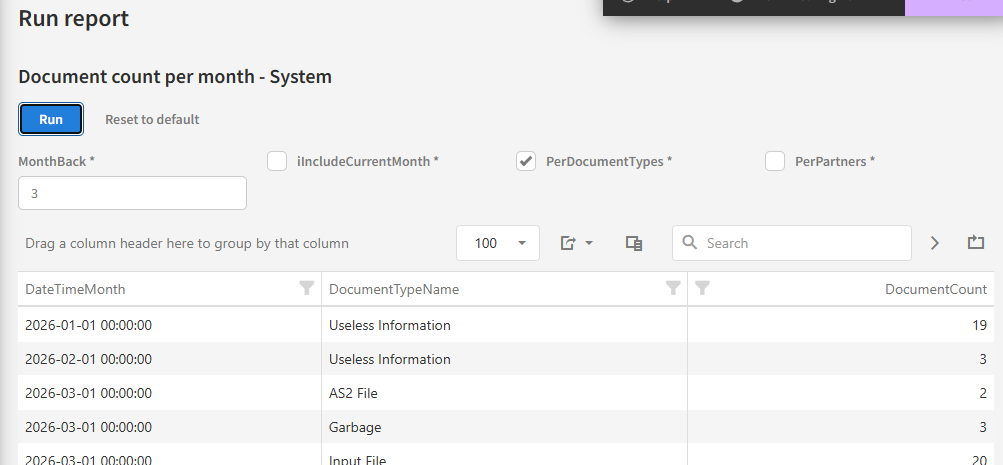
Document count per month - System
Reports shows document count per month, optional per document type and/or partners.
Parameters
|
Display Name |
Type |
Default Value |
|---|---|---|
|
MonthBack |
Int |
3 |
|
IncludeCurrentMonth |
Bit |
False |
|
PerDocumentTypes |
Bit |
False |
|
PerPartners |
Bit |
False |
Example
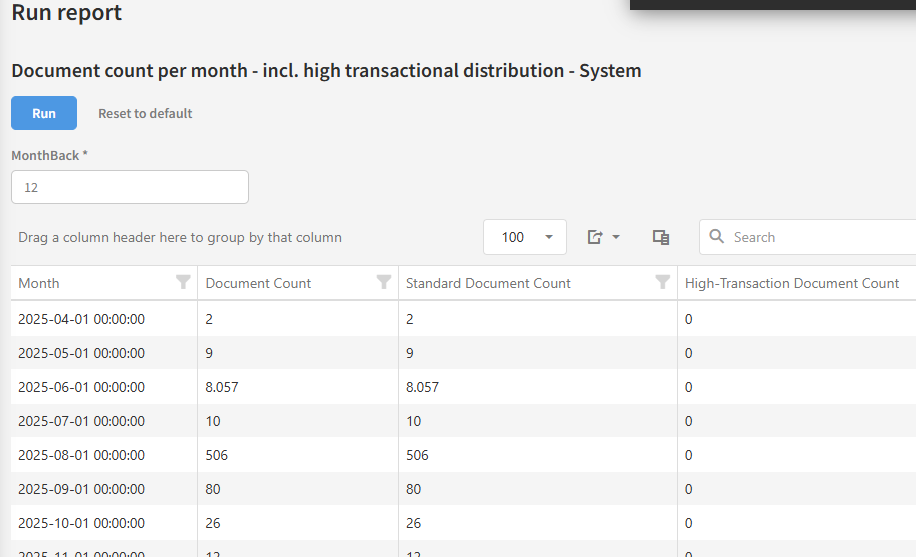
Document count per month - incl. high transactional distribution - System
Document count per month - including documents where High-Transaction is enabled on the distributions.
Report shows count of documents per month, with one column containing all documents, and one column show documents where High-Transactional is enabled on the distributions
Parameters
|
Display Name |
Type |
Default value |
|---|---|---|
|
MonthBack |
Int |
12 |
Example
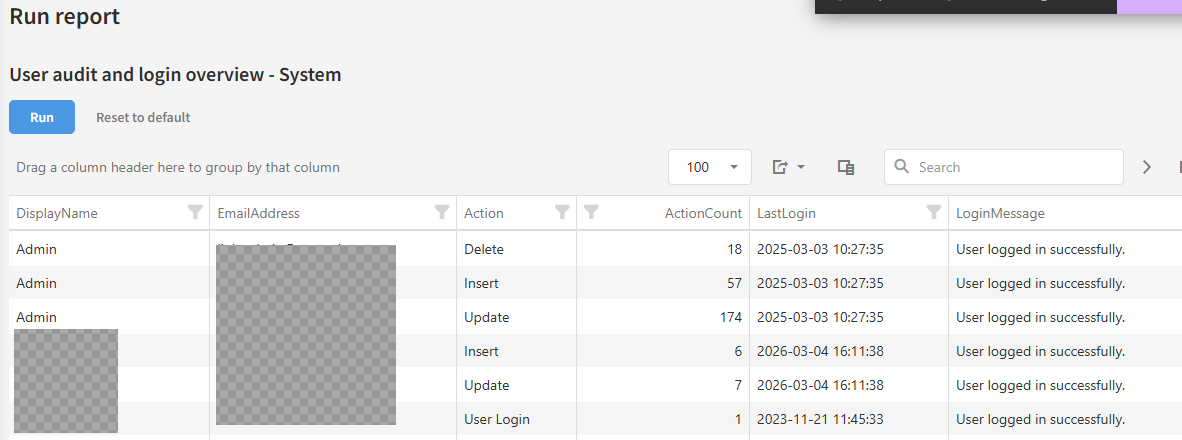
User audit and login overview - System
Count action changes (insert/update/delete) per user and show last successfully login date.
Parameters
None.
Example