
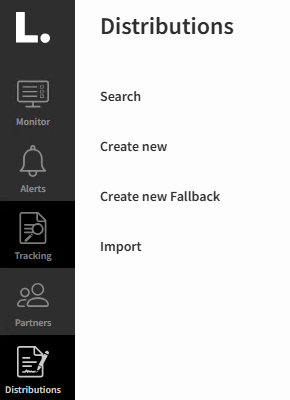
Fallback distributions are a type of distribution that include only a single partner. To create one, select “Create New Fallback” from the Distributions menu.
The setup process is identical to a standard distribution, except that the “From Partner” field is left blank.
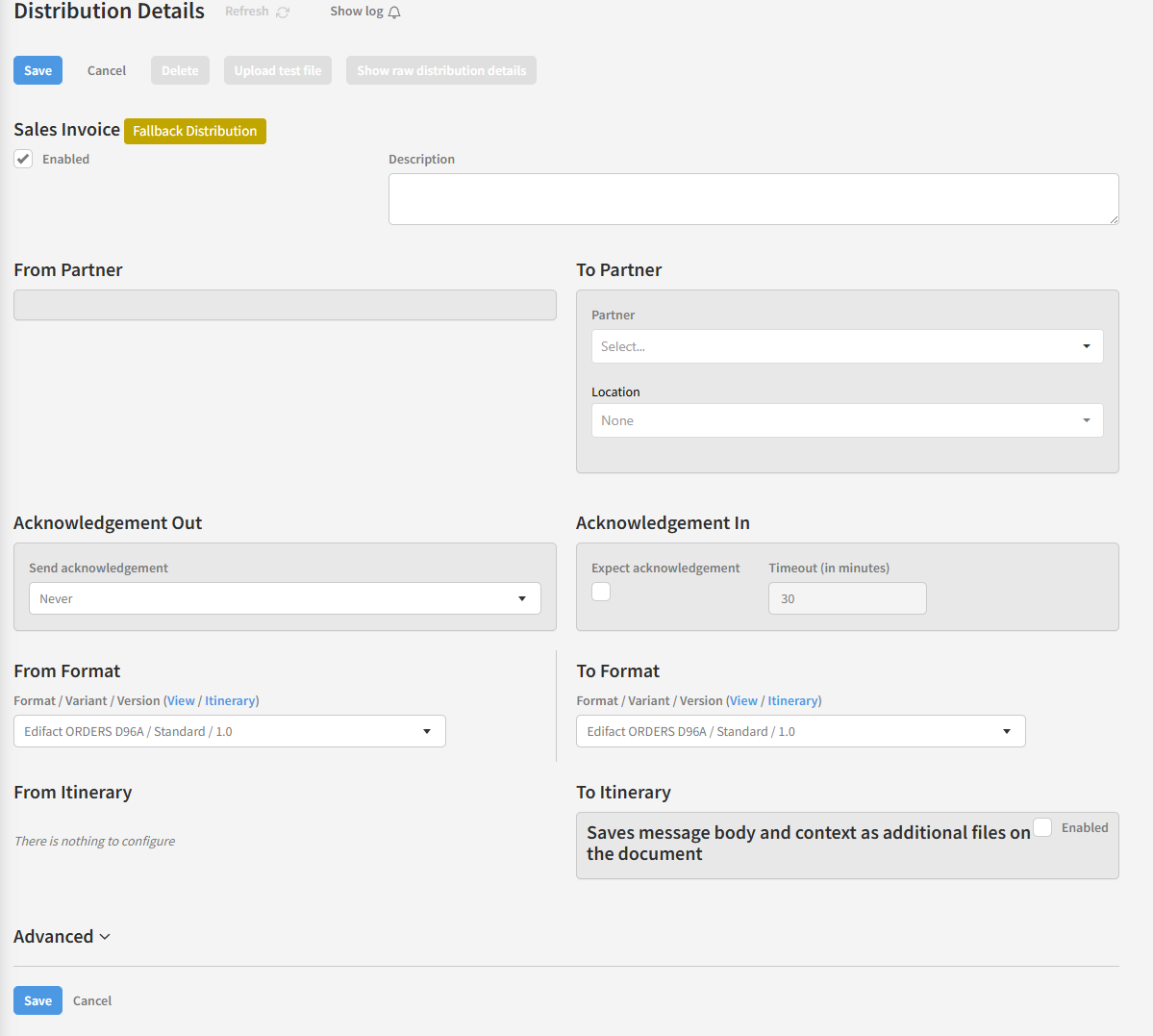
A fallback distribution is used when no standard distribution match is found. When a new document in Link is processed, the system first attempts to resolve a distribution using both sender and receiver partners, as usual. If no match is found, it then searches for a fallback distribution that matches the receiver partner.
Note that the sender partner must still exist in Link, even though it is not specified in the fallback distribution.
A common use case is when receiving the same type of document from multiple partners, all originating from the same source and requiring delivery to the same destination. For example, orders received from multiple partners via Peppol will typically share the same document format. By using a fallback distribution, you only need to configure a single distribution for these flows, which speeds up onboarding and reduces maintenance.